
There’s a lot of room to grow for proposal automation, especially when it comes to adding smarter automation and tapping into the power of AI. That’s where this Better Proposals Review highlights its efficient and user-friendly solutions.
Better Proposals is all about making electronic proposals simple and straightforward. It has customizable templates, eSignatures, and real-time tracking, cutting out a lot of the pain that comes with older proposal methods. It’s very useful for small businesses, freelancers, and sales teams looking to close deals faster.
If you want to know how to get started with Better Proposals, check out my post here. Or if you want to compare Better Proposals with some of the best tools for proposal automation go here. But for now, let’s break down what works well with Better Proposals and where it could do better.
Better Proposals Review: What Works Well
This Better Proposals Review shows how this tool excels at simplifying proposal creation and management, focusing on core features that cater to small teams, freelancers, and anyone who values ease of use over complexity.
1. User-Friendly and Focused
Better Proposals focuses on delivering core features in a simple and intuitive way, ideal for users who don’t need advanced functionalities.
2. Professional Templates
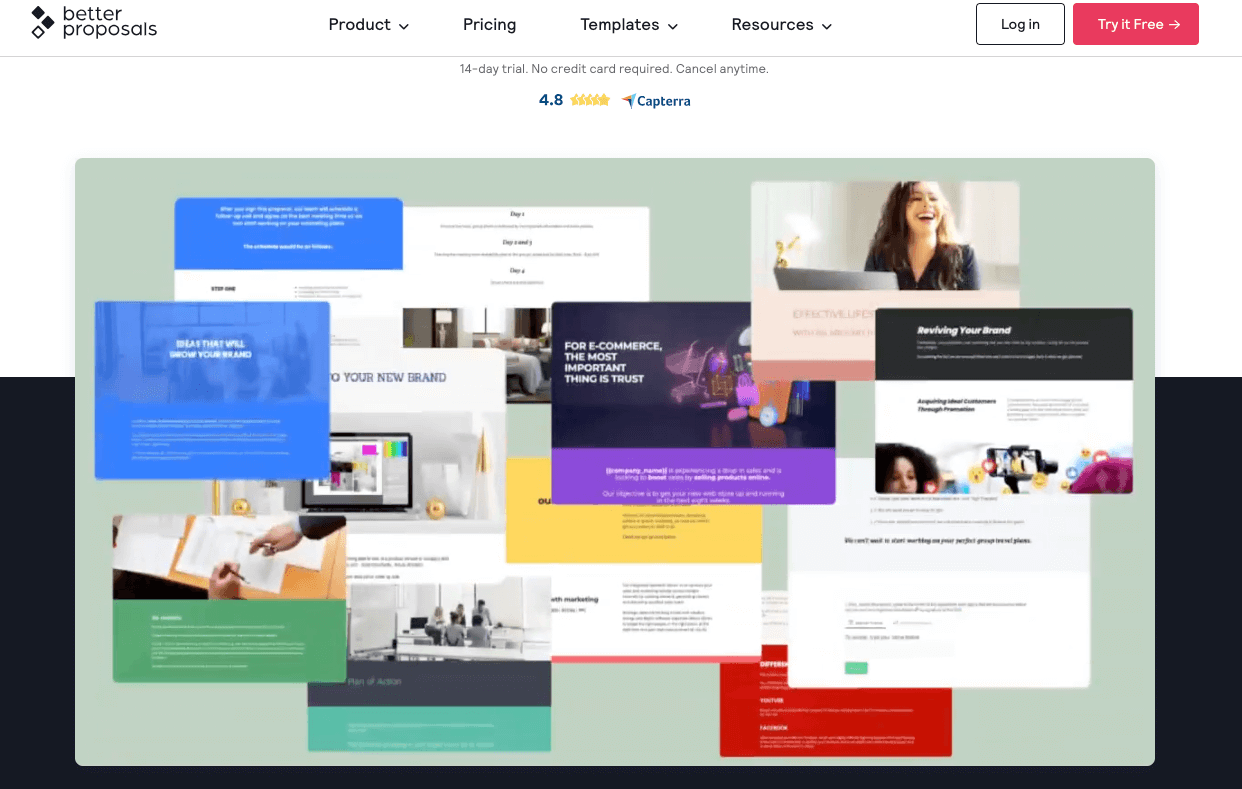
Better Proposals has around 250 professionally designed templates in various categories, helping you create stunning documents without starting from scratch. Templates include options for proposals, quotes, contracts, and more. These templates are easy to customize and save a lot of time, making them useful for beginners or anyone who wants polished, consistent documents.

3. Content Library
The Content Library allows you to save reusable sections, pricing tables, or images directly from proposals for future use. This helps maintain consistency and reduces the effort of creating similar proposals repeatedly. While it’s a great feature, content must be saved from existing proposals—you can’t upload content libraries directly.
4. eSignatures
Clients can also securely sign proposals online with the e-Signature functionality. This speeds up the approval process and eliminates the need for printing or scanning.
5. Real-Time Notifications
You receive instant alerts when a proposal is opened, viewed, or signed. This lets you know when to follow up at the right time, which can improve the chance of closing deals.
6. Payment Integrations
You can also integrate payment platforms like Stripe, PayPal, and GoCardless into your proposals, allowing clients to pay directly upon acceptance.
7. Custom Domains
Better Proposals lets you use your own domain for sending proposals as well.
8. Integrations
The platform connects with CRMs like HubSpot and Salesforce, as well as automation tools like Zapier. This makes it easy to integrate proposals into your existing workflows.
9. Analytics & Insights
Better Proposals provides insights into how clients interact with your proposals, such as how much time they spend on each section. This helps you refine your documents for better results.
10. Real Human Support
Sometimes looking at sites that just provide support information can be time-consuming. Better Proposals offers real-time customer support from actual people. This allows quick and helpful responses and is a major advantage for users who need assistance navigating the platform or troubleshooting issues.
What Could Be Better
1. Primarily Digital
While optimized for electronic proposals, the lack of advanced print or offline features might not suit businesses needing robust physical document support.
2. Content Library Limitations
While the Content Library is helpful, it doesn’t allow direct uploads of external content libraries. Companies with extensive pre-existing content may find this limiting.
3. Team Collaboration
Advanced collaboration features like multi-user editing are restricted to the Enterprise plan, which may not suit smaller teams on tighter budgets.
4. CRM Features
The built-in CRM tools are basic and may not meet the needs of businesses requiring more advanced client management capabilities.
5. Occasional Glitches
Some glitches here and there in document formatting. While these don’t impact overall usability, they can be frustrating.
Who Should Use Better Proposals?
Better Proposals is ideal for:
- Small Teams and Freelancers: Perfect for those looking for an easy-to-use electronic proposal tool without the complexity of advanced platforms like PandaDoc.
Better Proposals Pricing
Better Proposals offers three pricing plans to suit different business needs with a 14-day free trial (no credit card required), making it easy to test the platform before committing:

While the pricing is competitive for smaller teams, businesses that require advanced features like team collaboration will need to go for the Enterprise plan, which could feel expensive for organizations on a tight budget.
Better Proposals Review: Final Thoughts
Better Proposals is good at making proposal creation and management simple, efficient, and professional. The Better Proposals Review highlights its strengths as a great choice for freelancers, small teams, and anyone who values ease of use over feature complexity. It is also important to note again that this tool is mainly for electronic proposals. I don’t think it caters to those needing advanced functionality or extensive collaboration tools.
For a more detailed look on how to use the tool and its features, check out my guide on how to get started on Better Proposals. Also, check out the best AI proposal generators.
